
Most recruiters spend less than 10 seconds on a LinkedIn profile. If you don’t stand out quickly, they move on to the next profile. A well-optimized profile works for you even when you’re not actively applying.
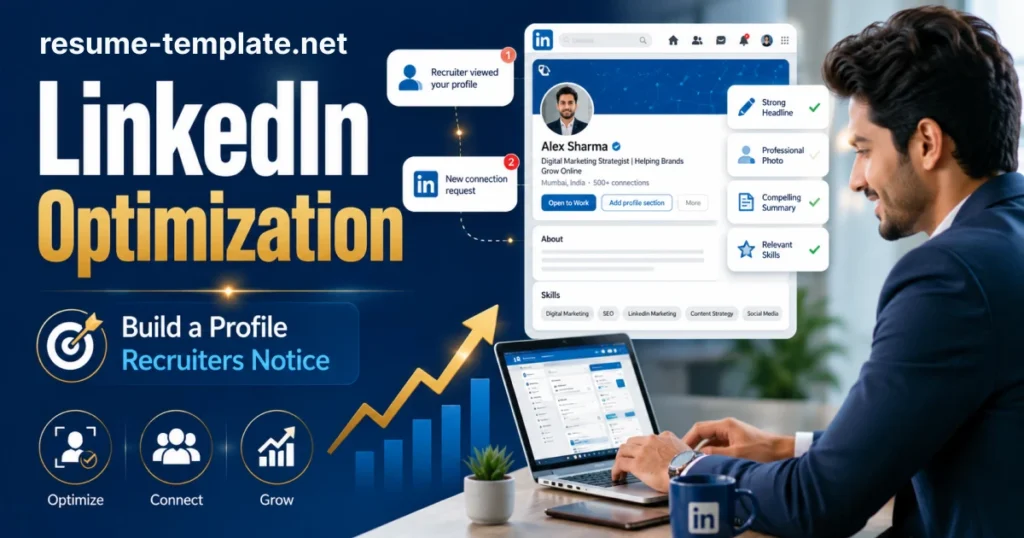
Here’s how to make yours count.
Headline and Summary
The headline is the first thing a recruiter sees in your profile. Don’t just write your job title. Use it to show what you do and who you help.
Example: “Marketing Manager | I Helps SaaS Brands to Grow Organic Traffic”
Your LinkedIn summary comes next. Limit it to 3-5 sentences. Write in first person. Always mention what you do, what you’re good at, and what you’re looking for. Your presentation to hook clients to stay direct
A few things that help:
- Write all keywords your target employers actually search for
- Mention your industry and key skills early
- In the end just write a simple call to action (open to opportunities, available for freelance, etc.)
Which LinkedIn Profile Sections Do Most People Ignore?
Many LinkedIn profile tips focus only on the headline. But recruiters look deeper.
Photo: Always use a clear and professional headshot. People view profiles with pictures far more often than profiles without them.
Experience section: Write short bullet points under each role. Focus on results not just duties. Numbers help you to win jobs, even if it is rough. Always use a clean resume template.
Skills section: Add at least 10 relevant skills. Endorsements from connections because it adds credibility.
URL: It is very important to customize your LinkedIn URL. It looks cleaner on a resume and is easier to share.
How Does LinkedIn Support Your Job Search?
The job search profile is not a one-time task. It connects with your resume, portfolio, and online presence.
Turn on “Open to Work” if you’re actively job hunting. It signals recruiters directly.
First update your profile and analyze your resume before applying. When recruiters read your resume, they review your LinkedIn profile. If the two contain different information, recruiters start asking questions.
Always keep your profile active. Share a post, comment on industry news, or update a skill. Activity helps your profile show up in search results.
Your resume and LinkedIn profile should tell the same story. Just in different formats.