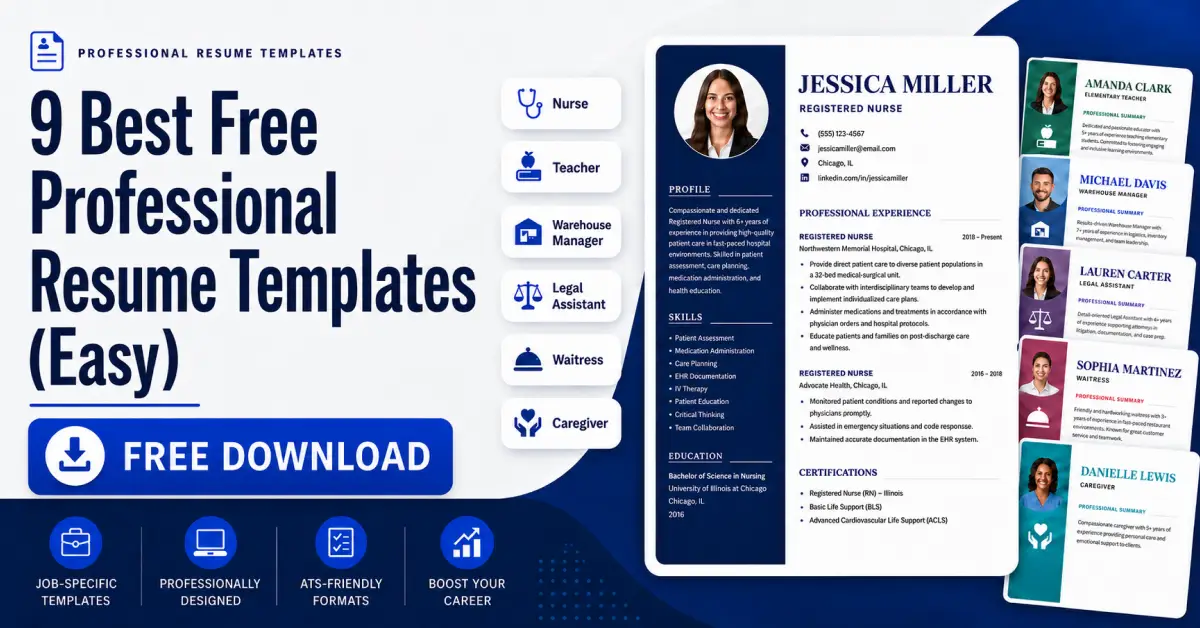
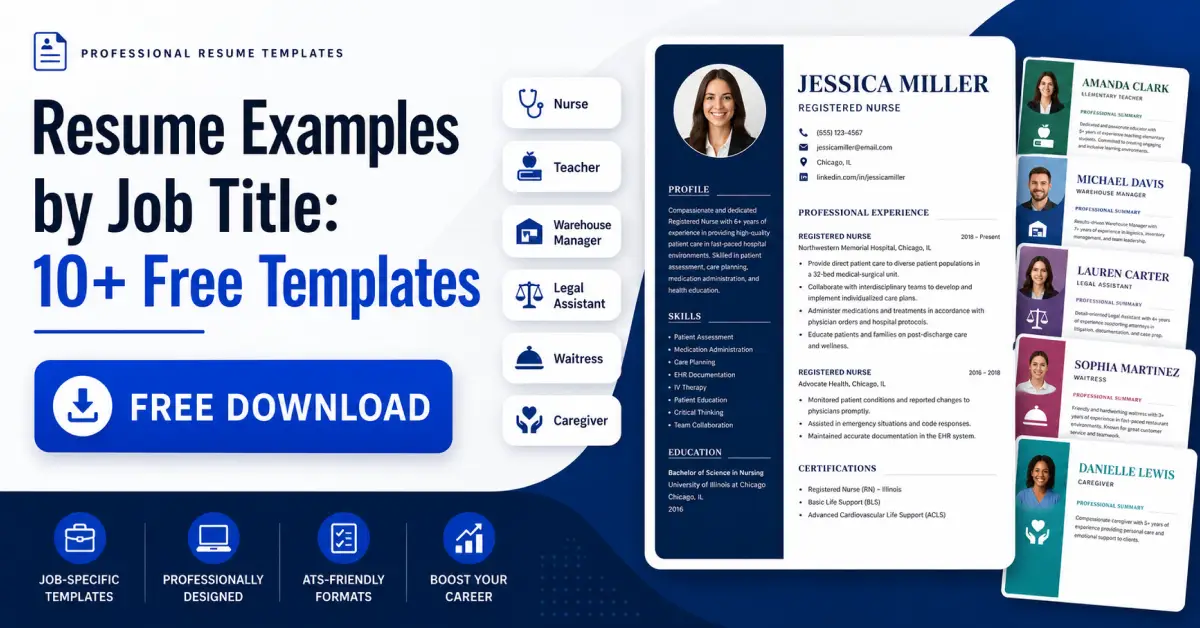
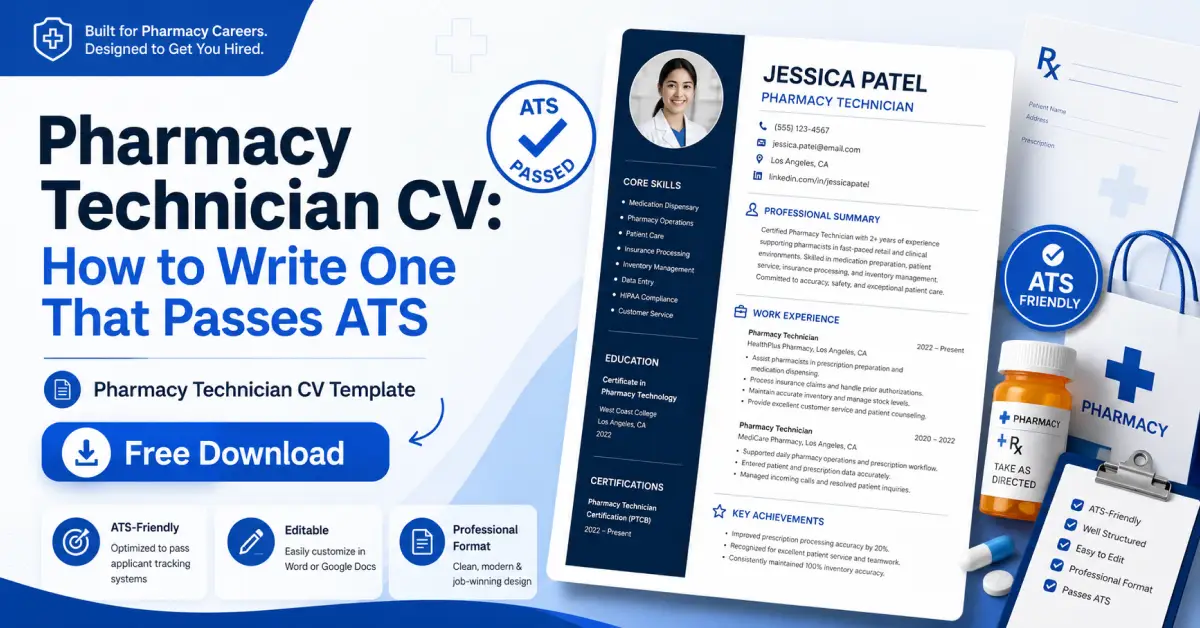
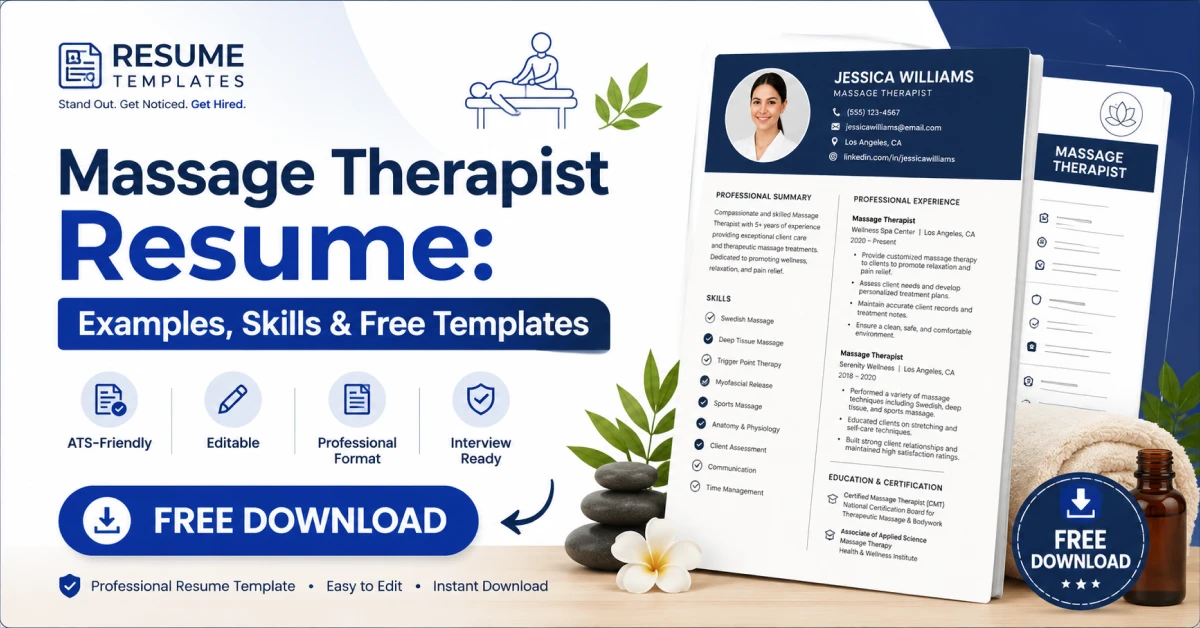
Professional Resume, & CV Templates
Free Resume Templates 2026: ATS-Friendly & Editable
Recruiters spend just ten seconds on a first resume scan, so using the right resume templates matters as much as your content. A clean, ATS-friendly resume template can make an average work history stand out, while a cluttered layout can bury even strong experience.
This guide covers everything about resume formatting: choosing ATS-proof resume templates, building your resume step-by-step, deciding on length, and tailoring your format for first jobs, career changes, or executive roles.
What Is a Resume Format, and Why Does It Matter?
Choosing the right resume templates isn’t a minor detail — section order, layout, fonts, and spacing directly affect how recruiters read your experience. A well-structured resume format guides the eye to your top achievements, while a poor one gets skipped by busy hiring managers.
Most job seekers pick from three resume formats: chronological, functional, and combination (hybrid).
Chronological is the most common and the safest choice for most job seekers. It lists your work experience in reverse order, starting with your current or most recent role. Recruiters like this format because it's familiar and easy to scan quickly.
Functional organizes the resume around skills rather than job history. It's sometimes recommended for people with gaps in employment or those changing careers, but many recruiters find it harder to follow, and some hiring software struggles to parse it correctly.
Combination blends the two. It opens with a skills summary and then lists work history chronologically. This can work well if you have transferable skills to highlight up front but still want the credibility of a clear job timeline.
Resume vs. CV: What's Actually the Difference?
Confusion between resumes and CVs is common: in the U.S. and Canada, resume templates create short, tailored one-to-two-page documents, while a CV is longer and used mainly for academic, medical, or research roles. In the UK, Europe, and much of Asia, “CV” is simply the standard term for what Americans call a resume.
A resume and a cover letter aren’t competing documents — your resume presents the facts, while your cover letter explains your fit, and skipping it when requested can cost you the interview.
Choosing an ATS-Friendly Resume Template
Before a human sees your resume, ATS software scans it first — parsing text, checking keywords, and ranking candidates before a recruiter opens the file. Choosing ATS-friendly resume templates ensures a qualified application doesn’t get filtered out before anyone sees it.
This is why choosing the right resume template isn’t just about looks. It’s about function.
What makes a template ATS-friendly
A few features consistently separate templates that parse well from ones that don’t.
- Simple, single-column layouts. Multi-column designs look sleek, but many parsing systems read text left to right across the whole page, which can scramble your information into an unreadable mess.
- Standard section headings. Use “Work Experience,” “Education,” and “Skills” rather than creative alternatives like “My Journey” or “Where I’ve Been.” Software looks for familiar labels.
- Common fonts. Stick to widely supported fonts like Arial, Calibri, or Georgia. Decorative fonts can render as gibberish once converted.
- No text inside images or graphics. Icons and headshots are visually appealing, but any text embedded in an image is usually invisible to scanning software.
- Clean file formats. A .docx file is generally the safest bet unless the job posting specifies otherwise, since some older systems misread PDFs.
Where to find a resume template
Free resume templates are available on Google Docs, Canva, and dedicated builder sites, but not all are ATS-friendly — Google Docs offers plenty of visually heavy designs that don’t parse well, while Canva resume templates suit creative fields more than corporate ones. Whatever source you choose, test your resume templates by pasting the text into a plain document to confirm the formatting survives an ATS scan.
How to Build a Resume Step by Step
Making a resume from scratch is simpler than it feels — here’s a step-by-step approach that works whether you’re using a free builder tool or starting with blank resume templates.
Before touching a template, list out your work history, education, certifications, and key achievements. Include dates, job titles, and company names. Having this raw material ready makes the writing process faster and keeps you from scrambling for details halfway through.
Based on your career stage, pick chronological, functional, or combination as discussed earlier. Most first-time resume writers and career changers do best with a combination format that leads with strengths but still shows a clear timeline.
A resume summary is a 2-3 sentence intro highlighting your professional value, and it works better than an objective statement for most experienced candidates using resume templates. Objectives still make sense for first-time job seekers without formal experience yet.
For each role, list your title, the company, dates of employment, and three to five bullet points describing what you did and accomplished. Lead each bullet with an action verb, and include numbers wherever possible. "Increased email open rates by 24%" says far more than "Responsible for email marketing."
Keep the education section concise in resume templates, unless you're early in your career — in that case, move it higher up and include details like relevant coursework or academic honors.
Check that your spacing, font sizes, and bullet styles are identical throughout. Small inconsistencies are one of the fastest ways to make a resume look unpolished, even when the content is strong.
Using a resume builder
A free resume builder speeds up the process by auto-formatting entries into ATS-friendly resume templates, though some lock features like PDF downloads behind a paywall. Whether built manually or through a tool, always run your resume through a checker or analyzer to catch formatting issues, missing keywords, and readability problems before applying.
One Page or Two? Solving the Resume Length Debate
Resume length is one of the most debated formatting questions, but the answer is straightforward: with resume templates, one page works best for early-career professionals or anyone with under 7-8 years of experience, since it forces you to prioritize top accomplishments. Two pages become reasonable with a decade or more of experience, senior roles, or fields like academia and medicine — as long as the second page is at least half full.
The real test isn’t page count but relevance: if you can’t justify why a bullet point belongs, cut it, since length should follow from what matters, not a target you’re chasing.
Tailoring Your Resume for Different Situations
Resume templates aren’t one-size-fits-all — the right approach shifts based on your career stage and the type of role you’re targeting.
Resume for a first job or no experience.
Lead with education, relevant coursework, volunteer work, and transferable skills from school projects or part-time work. Employers hiring for entry-level roles expect less formal experience and weigh enthusiasm and coachability heavily.
Resume for high schoolers and teenagers.
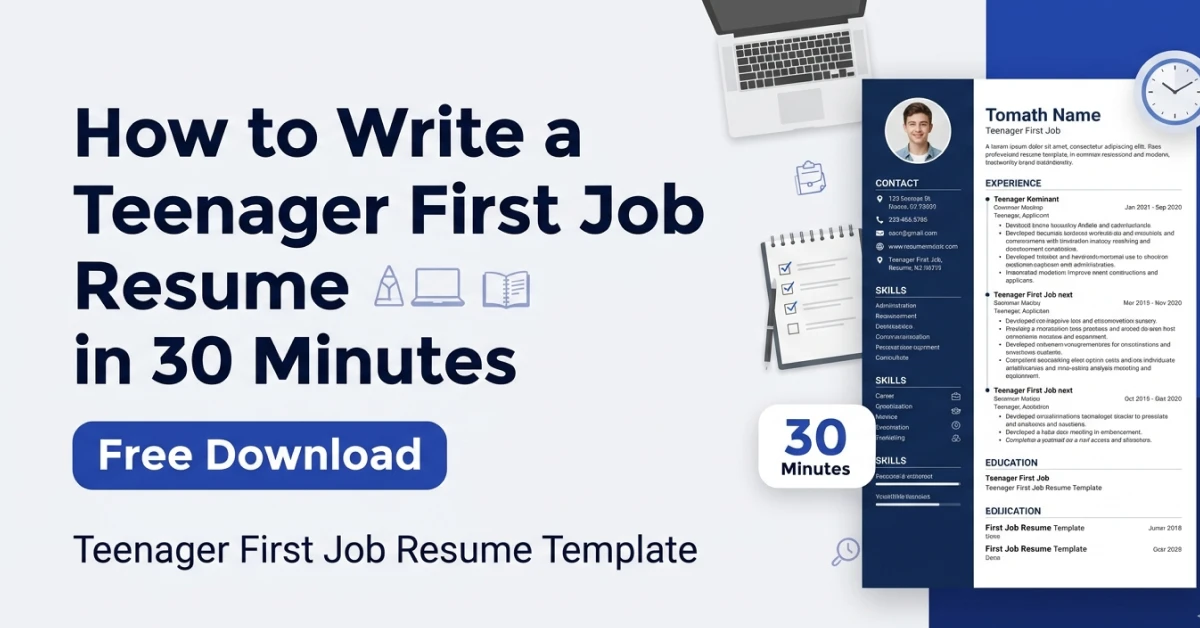
Focus on extracurricular activities, sports, part-time jobs, and school achievements. A short, one-page format works best, and it’s fine to include GPA if it’s strong.
Resume for students.
Combine internship experience with academic projects, and consider a combination format that highlights relevant skills before diving into a thinner work history.
Resume for a career change.
A combination format that leads with transferable skills helps bridge the gap between your old field and the new one. Use your summary section to directly address the pivot, explaining briefly why you’re moving in this new direction.
Resume for specific professions.
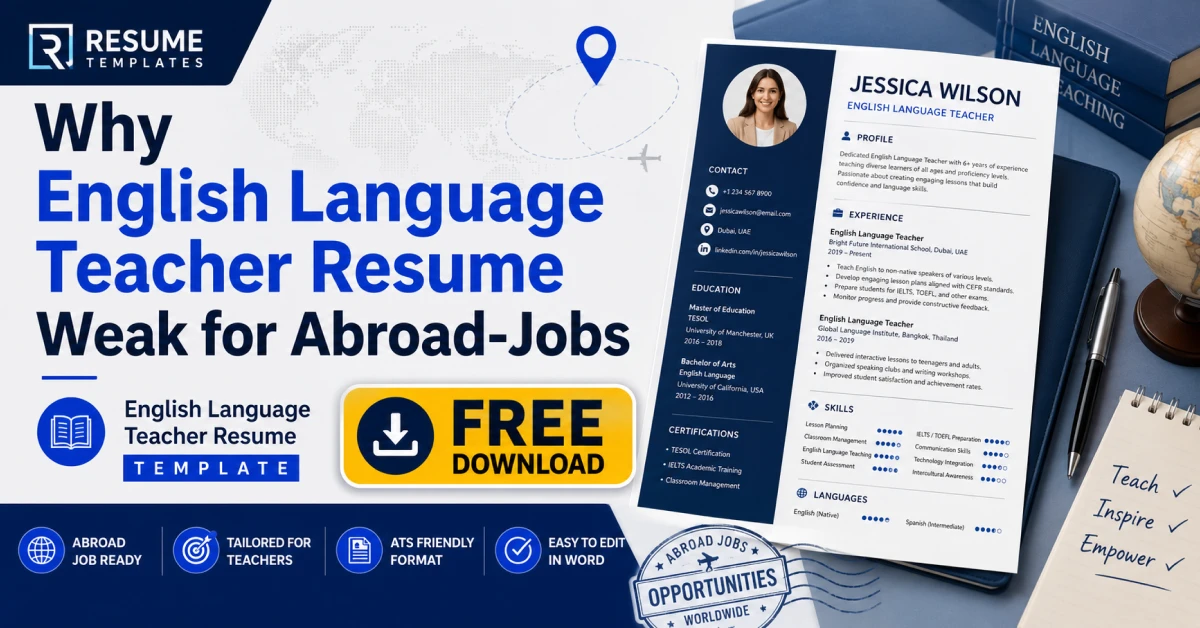
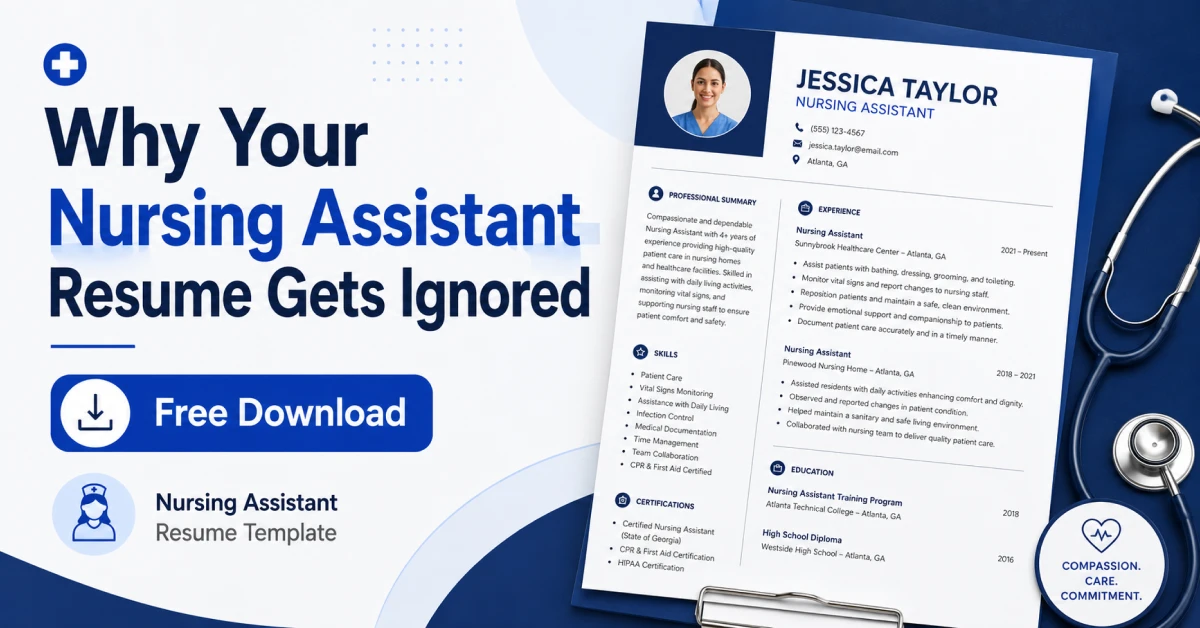
Fields like nursing, software engineering, or teaching often expect certain sections up front, such as licensure and certifications for nurses, or a technical skills section near the top for engineers. Researching a few real examples in your specific field before finalizing your format is always worth the extra ten minutes.
Resume with no work experience gaps to explain.
Even here, a clean, well-organized format matters. Employers are comparing your resume against others in the same stack, and formatting quality is often the deciding factor between two similarly qualified candidates.
Resume with Cover Letter: Do You Really Need Both?
When a job posting requests a resume and cover letter, treat it as mandatory — skipping it signals carelessness. Even when optional, a short 3-4 paragraph cover letter can help you stand out for competitive roles.
If you’re pairing resume templates with a matching cover letter, keep fonts, headers, and color accents consistent across both documents — this formatting consistency creates a more polished, professional impression when they land in the same inbox together.
Common Formatting Mistakes That Quietly Hurt Your Chances
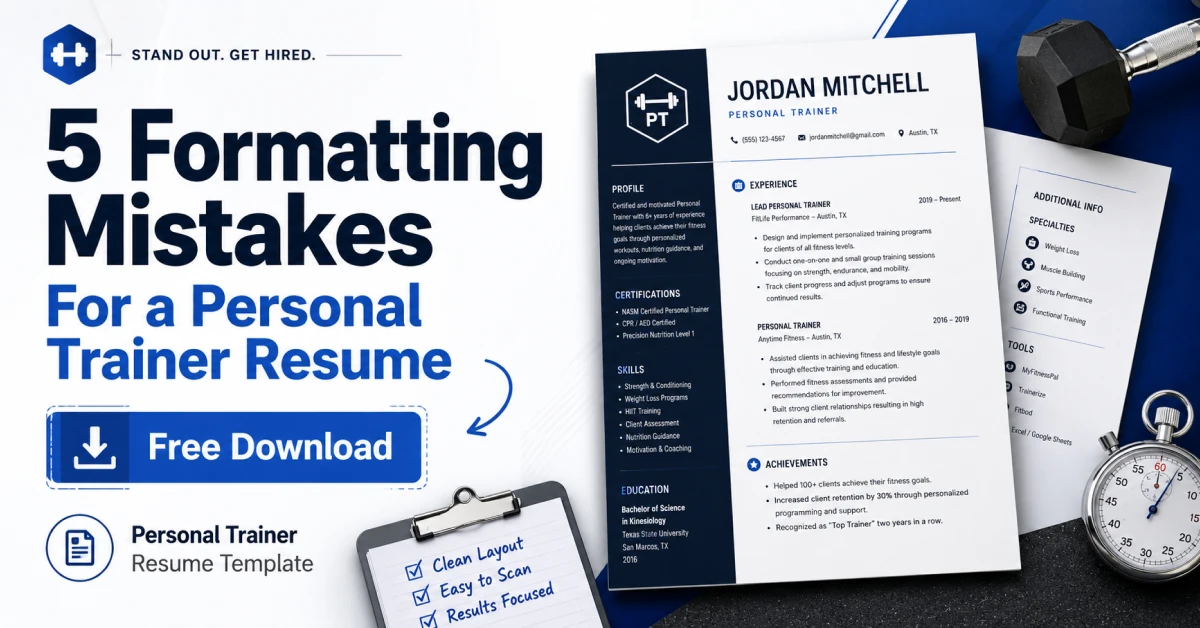
Even strong candidates hurt their chances with small, avoidable errors in their resume templates — here are the ones worth double-checking before you hit submit.
Inconsistent dates and spacing.
If one job lists “Jan 2021 – Mar 2023” and another lists “January 2021 to March 2023,” it reads as careless. Pick one date style and use it everywhere.
Tiny margins to cram in more content.
Shrinking margins to a quarter inch to fit everything on one page usually backfires. A cramped page is harder to read than a well-edited one, even if the second is slightly shorter.
Overly long paragraphs instead of bullet points.
Dense blocks of text are the fastest way to lose a reader’s attention. Bullet points let a recruiter scan your accomplishments in seconds rather than parsing a paragraph.
Using headers, footers, or text boxes for key information.
Many parsing systems skip headers and footers entirely, which means your contact information could be technically present but functionally invisible to an ATS. Keep your name, email, and phone number in the main body of the document.
Saving the file with a vague name.
A file named “resume_final_v3.docx” looks unprofessional next to “Firstname-Lastname-Resume.docx.” It’s a small detail, but hiring teams handling dozens of applications notice it.
Mismatched fonts or sizes between sections.
This often happens when content is copied and pasted from different sources. Always select the entire document and reset the font before submitting.
Making Your Resume Keyword-Ready Without Stuffing It
ATS systems scan for keywords from the job posting, but overloading resume templates with every possible term makes them read like lists rather than resumes. A better approach is identifying the 5-6 core terms — skills, certifications, or software — that repeat in the posting and working them naturally into your bullet points using the same wording.
This strategy does double duty: it clears the ATS scan while showing a human reader that your background genuinely matches the role, rather than looking like a generic resume sent to dozens of employers.
Common Resume Questions, Answered
How should a resume look?
Clean, consistent, and easy to scan in under thirty seconds. Consistent spacing, a simple font, clear section headers, and no more than two pages for most job seekers.
What resume format is best?
Chronological for most traditional job searches, combination for career changers or those wanting to highlight specific skills, and functional only in rare cases since many recruiters and ATS systems struggle with it.
Can a resume be two pages?
Yes, once you have enough genuinely relevant experience to justify it. Under eight years of experience, aim for one page.
Why is resume formatting important?
Because recruiters and software both need to process your information quickly. A confusing layout can bury strong qualifications, while a clean one highlights them.
What is a resume headline?
A short phrase, often just a few words, placed near your name that states your professional identity, such as “Senior Marketing Manager” or “Registered Nurse, Pediatric Care.” It gives readers immediate context before they dive into the details.
What should a resume summary include?
Two or three sentences covering your years of experience, your area of expertise, and one standout achievement or skill that separates you from other candidates.
Building a Resume That Works for You
Good resume formatting isn’t about rigid rules — it’s about respecting the reader’s time, whether that’s a hiring manager skimming applications or an ATS parsing files in seconds. Choosing the right resume templates, matching the format to your career stage, and keeping language concrete gives your experience the best chance of being seen.
A resume is never truly finished; it’s a living document you’ll refine as your experience grows. The care you put into formatting rarely shows up as a bullet point, but it’s often the quiet reason one resume gets a callback while another with similar experience doesn’t.
Application tracker friendly templates
Explore ATS-friendly Resume templates in a wide variety of colors, styles, formats, and layouts.